


Secure assessmentsfor every workflow
Run secure assessments in Canvas or manage the complete exam journey from creation through delivery and grading with Digiexam.
Digiexam Lockdown
Bring secure assessments into Canvas,the LMS your teachers already know and use.
Why Digiexam is the undisputed choice
Cheating Prevention
Prevent students from using AI tools and other unauthorized resources.
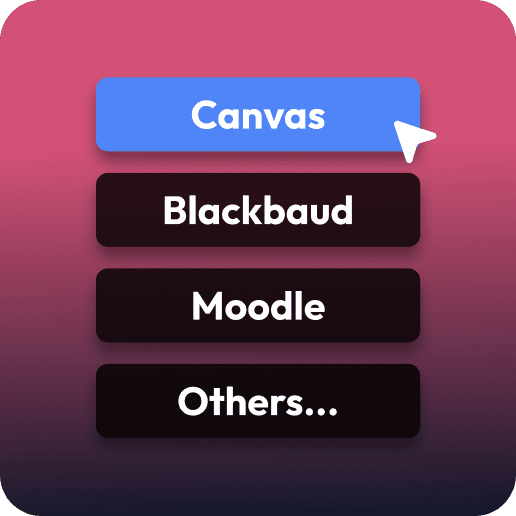
Built for Canvas
Add security to quizzes, New Quizzes, and assignments directly in Canvas.
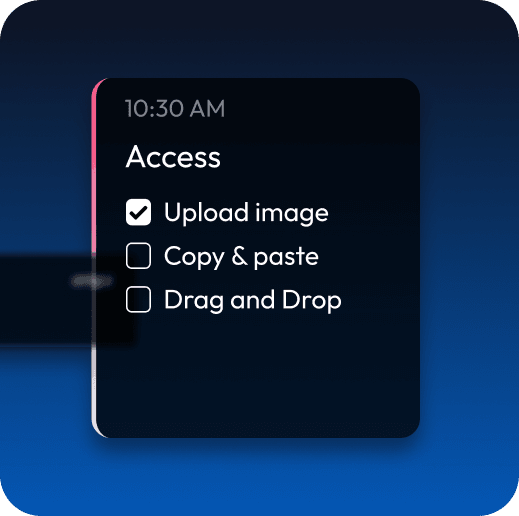
Granular Control
Define exactly what students can and can't do with precise control.
How it works
We wrap Canvas in a secure layer
By adding a secure layer around Canvas, we ensure full control over the exam session and prevent access to unauthorized resources.
Integrations
Works with the tools you already use
Connect Canvas and your school's Google or Microsoft directory. Your users come over automatically, and students sign in with the accounts they already have.

Lock down Canvas
Secure Canvas quizzes, New Quizzes, and assignments, including file uploads. Teachers and students stay in Canvas.
Sync from Google Workspace
Students and staff sync from Google Workspace, so you never create users by hand. Everyone signs in with their school Google account.
Sync from Microsoft
Users sync from Microsoft Entra ID (Microsoft 365) and stay up to date. Students sign in with their school Microsoft account.
How it works
Get started in 3 steps
Admins configure security
Admins connect Google Workspace or Microsoft to bring in users, then define what students can access during assignments, quizzes, and exams—from websites and apps to specific resources.
Teachers create exams in Canvas
Teachers create and configure exams directly in Canvas, selecting which resources students can access.
Students take exams in Canvas
Students log in through Digiexam Lockdown to enter Canvas and complete their exam with only teacher-approved resources available.
Start secure assessments in Canvas.
Explore Digiexam Lockdown with guided onboarding from our team.